
Extending Custom Template by Visual (Blockly) Strategy Editing
How to extend the custom library you need for the visual strategies? For example, I want to calculate the MA indicator, but the system comes with only:
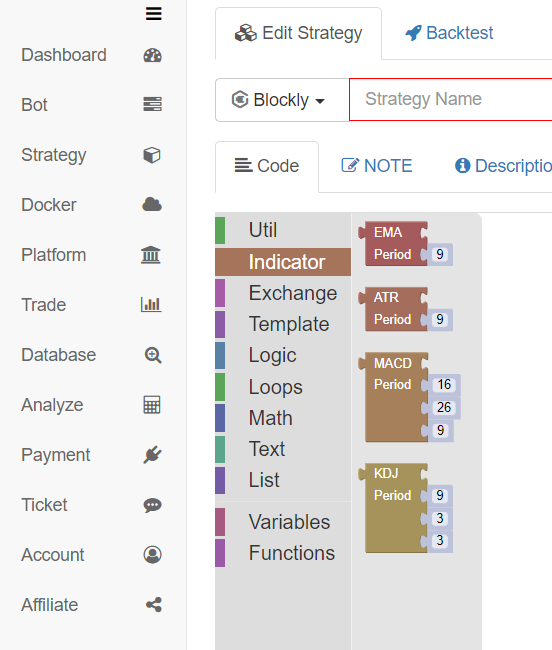
These indicators. How can I add some custom code to those indicators?
Let's take adding a custom MA indicator calculation module as an example to explain how to extend the visualization module.
Cryptocurrency Spot Trading Template
Let’s talk about the template "Cryptocurrency Spot Trading Library"; the address is: https://www.fmz.com/strategy/10989.
Although this template is a JavaScript version template of FMZ platform (for students who do not understand the concept of template, you can go to the FMZ API documentation for more details: https://www.fmz.com/api#template.
The comments at the beginning of the template contain the code that defines the visualization module, and the code of the JavaScript template can be referenced in the defined code. It is very convenient for us to extend by ourselves (which is a good example for us to learn and simulate).
Cryptocurrency spot trading library; the visualization definition at the beginning:
/*blockly
{
"type": "ext_Trade",
"message0": "%1 symbol amount %2|%1 Coins %2",
"args0": [{
"type": "field_dropdown",
"options": [
["bid|Buy", "Buy"],
["ask|Sell", "Sell"]
]
}, {
"type": "input_value",
"check": "Number"
}],
"template": "(function(){var r = $.%1(%2); return r ? r.amount : 0; })()",
"order": "ORDER_ATOMIC",
"output": "Number",
"colour": 85
}, {
"type": "ext_CancelPendingOrders",
"message0": "cancel %1 orders|Cancel %1 Orders",
"args0": [{
"type": "field_dropdown",
"name": "TYPE",
"options": [
["all|All", " "],
["buy order|Buy", "ORDER_TYPE_BUY"],
["sell order|Sell", "ORDER_TYPE_SELL"]
]
}],
"previousStatement": null,
"nextStatement": null,
"template": "$.CancelPendingOrders(%1);",
"colour": 85
}, {
"type": "ext_Cross",
"message0": "calculate cross period %1 and %2|Cross Period %1 and %2",
"inputsInline": true,
"args0": [{
"type": "input_value"
}, {
"type": "input_value"
}],
"template": "$.Cross(%1,%2)",
"order": "ORDER_ATOMIC",
"output": "Number"
}, {
"type": "ext_GetAccount",
"message0": "obtain asset information|GetAccount",
"template": "$.GetAccount()",
"order": "ORDER_ATOMIC",
"output": null
}
*/
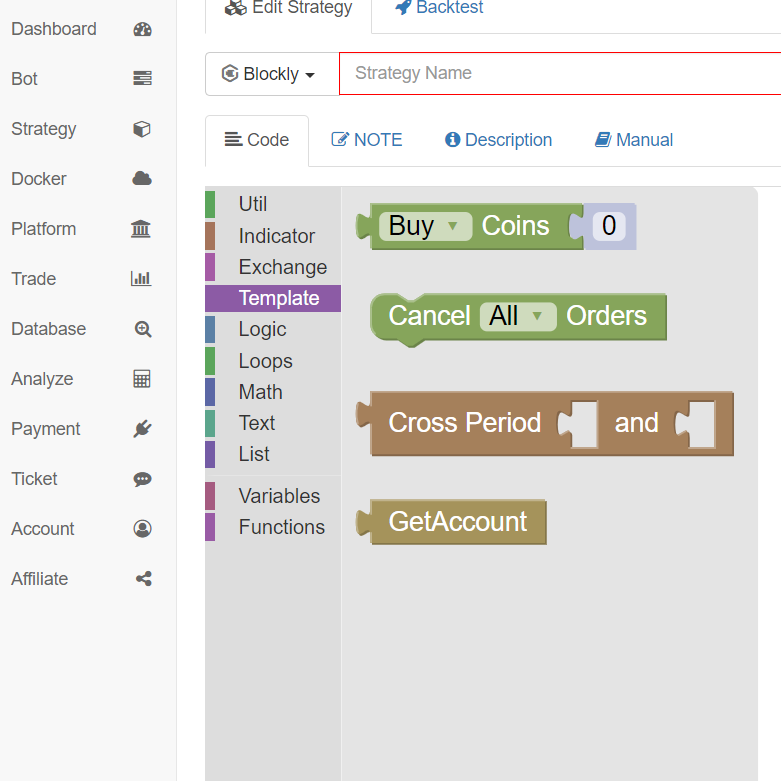
Corresponding to the modules in the visual (blockly) editing page respectively:
Construct Custom Module to Calculate MA
With the ready-made example, it is very simple to construct it yourself, just like copying mechanically.
First, create a new template in the JavaScript language.
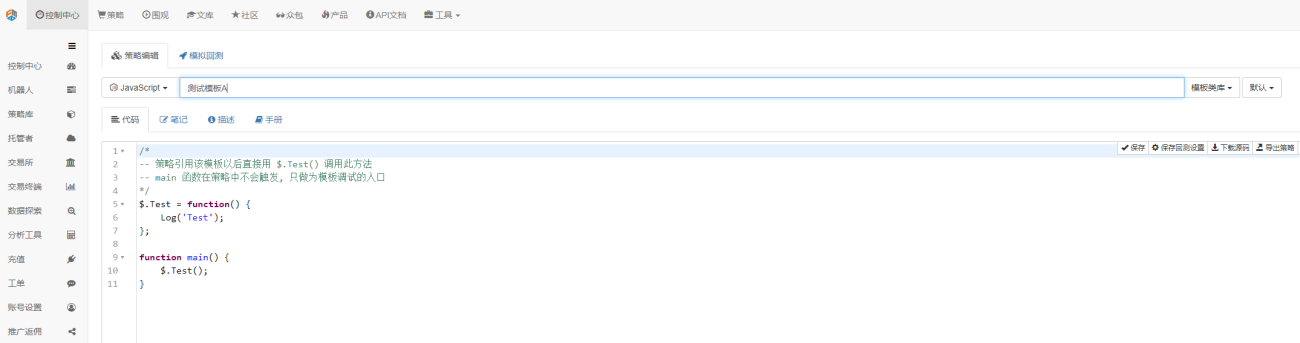
Edit the template code.
            /*blockly
    {
        "type": "ext_testA",
        "message0": "testA|testA",
        "template": "function(){return 99;}()",
        "order": "ORDER_ATOMIC",
        "output": "Number"
    },{
        "type": "ext_MA",
        "message0": "MA period %1| MA Period %1",
        "args0": [{
            "type": "input_value",
            "check": "Number"
        }],
        "template": "(function(){var r = exchange.GetRecords(); return (!r || r.length < %1) ? false : TA.MA(r, %1); })()",
        "order": "ORDER_ATOMIC",
        "output": null,
        "colour": 85
    }
*/
- type: to define a module type by attribute, and define the module by naming.
- message0: to display the text on a module
- template: the code executed by a module
- output: the type exported by a module
- args0: the parameter imported by a module; in the module definition code, %1 represents the first imported parameter, and %2 represents the second one
After editing the new template, save it.
In the strategy where we need to use this template, check the template.
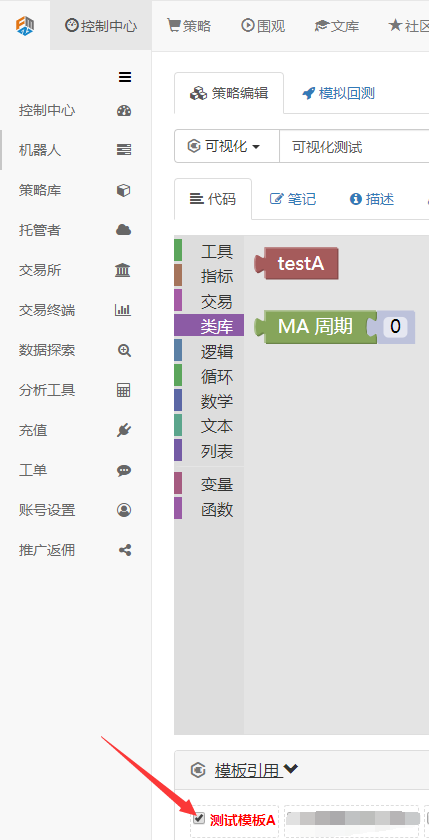
You can see that there are two extra modules:
-
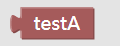
The module named: testA. Let's look at the execution code:
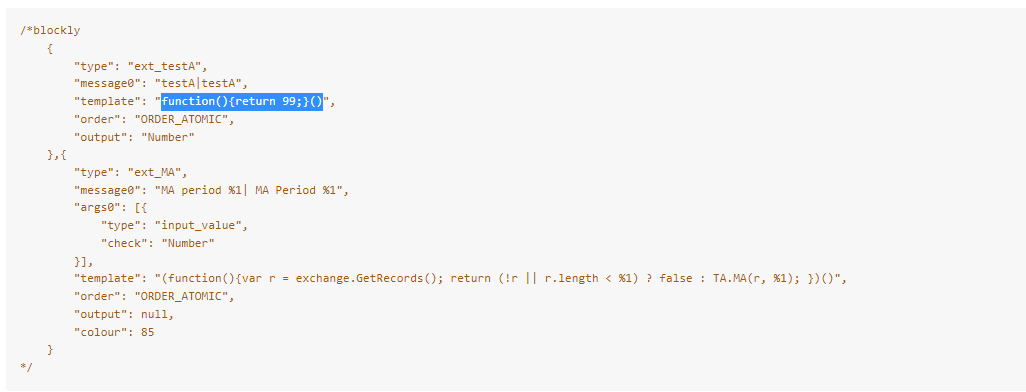 function(){return 99;}()
It is a very simple JavaScript function that returns a value of 99 when executed.
-
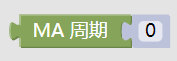
The module named: MA period. Let's look at the execution code:
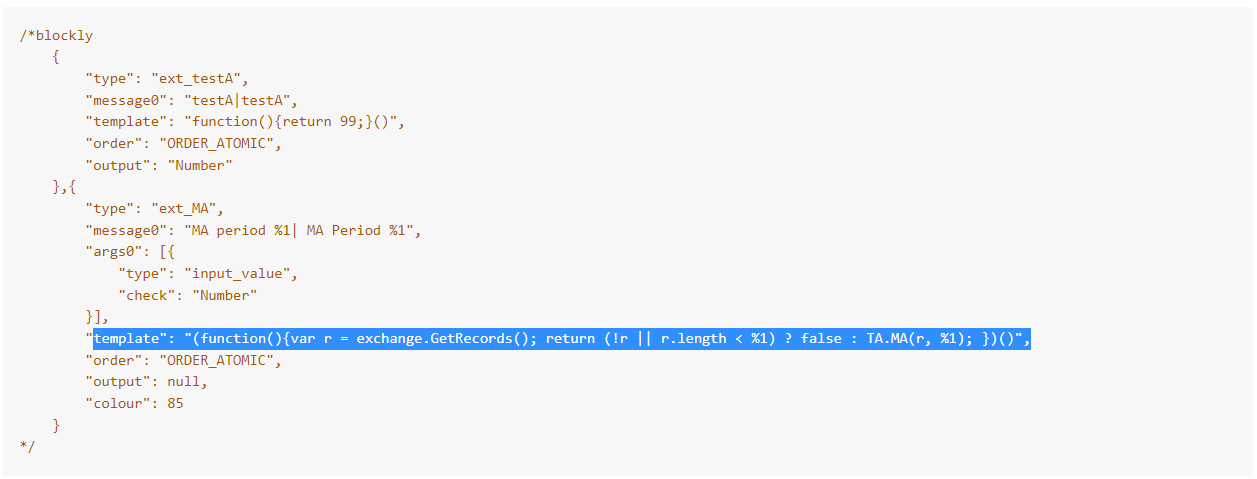 (function(){var r = exchange.GetRecords(); return (!r || r.length < %1) ? false : TA.MA(r, %1); })()
The code is an anonymous function call. The anonymous function first executes the operation to obtain the K-line data, namely the K-line data
r. Then, according to whether the obtained r isnullor whether the length ofris less than the parameter%1imported to the module, judge to returnfalseor return the indicator result calculated byTA.MA(r, %1).
It's ready to be used next.
Test to Calculate MA Indicator
Visual (blockly) strategy editing:
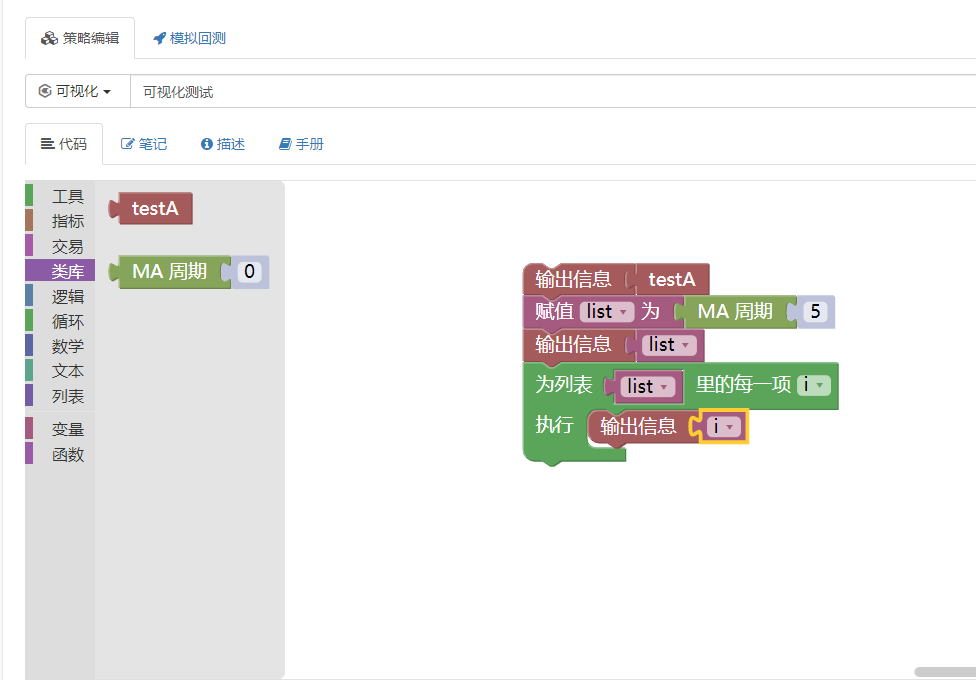
Operation:

It can be seen that the data calculated by the MA indicator has been obtained as desired.
The above is just an example for the design of the visualization module, so you can use the template function to expand by yourself.
- 1