Getting Started
Platform Basics
Writing Strategies
Development Tools
Backtesting System
Advanced Topics
Data and Research
Integrations
Sub-accounts
A sub-account lets other people view and operate some of your live robots without giving them the main account.
Create a sub-account
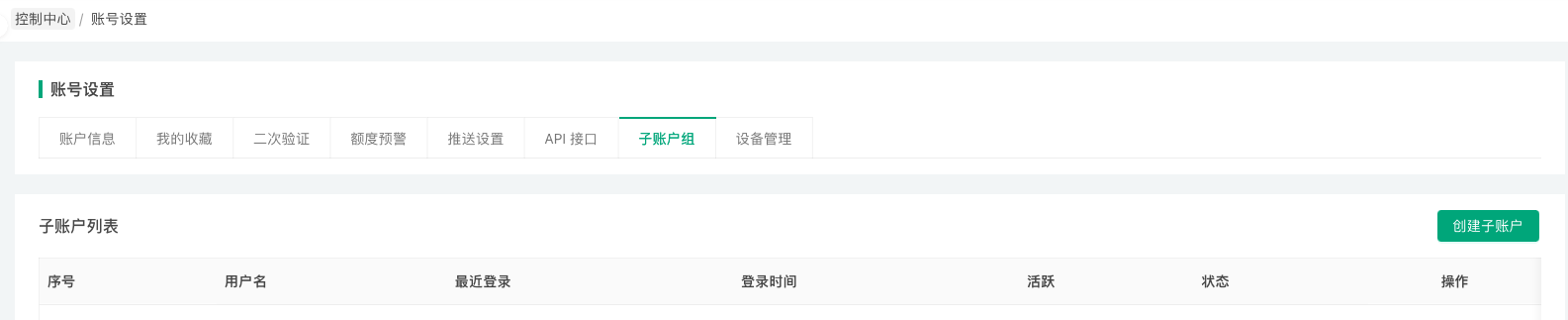
On the account settings page, open the sub-account tab, select the live robots the sub-account may access under operation permissions, enter its username and login password, and create it. Sub-accounts are listed on the same page, where you can edit, lock/unlock or delete them.
Permissions
A sub-account sees only the live robots authorized to it. On those robots it can change parameters, stop and restart, but it cannot change the exchange objects configured for the robot.
Typical uses
- A quant team sharing the management of several live robots.
- Letting the renter of a strategy help debug a live robot.