Sub-accounts
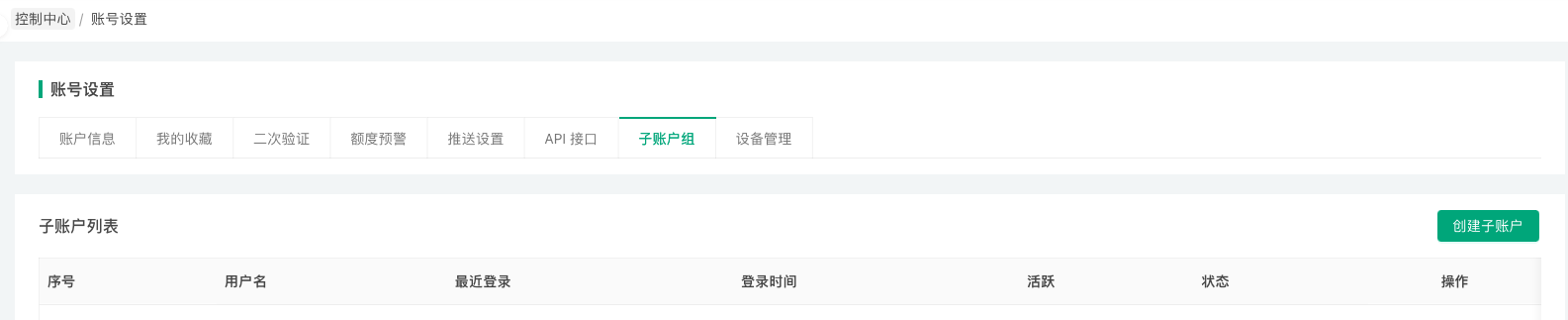
After logging into the platform, click "Control Center" and "Account Settings" to navigate to the FMZ account management page. Click "Sub-account Group" to see the sub-account creation page. In the Operation Permissions control, select the live trading accounts that the created sub-account can access. In the User Information control, set the sub-account's username and sub-account login password. Click the "Create Sub-account" button to create a sub-account. Created sub-accounts will be displayed on the current page, where you can perform "Modify", "Lock/Unlock", and "Delete" operations.
Sub-accounts have limited permissions and can only view live trading accounts authorized in the Operation Permissions settings. For authorized live trading accounts, sub-accounts have permissions to modify parameters, stop live trading, and restart live trading, but cannot modify the exchange objects configured for live trading.
Common use cases for sub-accounts include:
-
- When quantitative trading teams manage multiple live trading strategies, facilitating login and management.
-
- When renting out strategies, used for users' live trading debugging work.